Apple Health
Go to Browse → Activity → Steps, then choose the Y (year) view.
Three steps, about two minutes. No devices to buy, no trackers to connect.
Apple Health, Google Fit, Fitbit, Samsung Health — whichever one you already use. Go to the steps chart and change the period to This year (or year to date).
The year has to be visible in the picture. If your app only shows a month, switch it to the yearly view first.
Take a screenshot where the year and your yearly step total are both clearly readable, then drop it in on your walk page. Our checker reads the picture, confirms it's genuine, and converts your steps into kilometres.
One good screenshot is enough. Each new one replaces the last total, so nothing is ever counted twice.
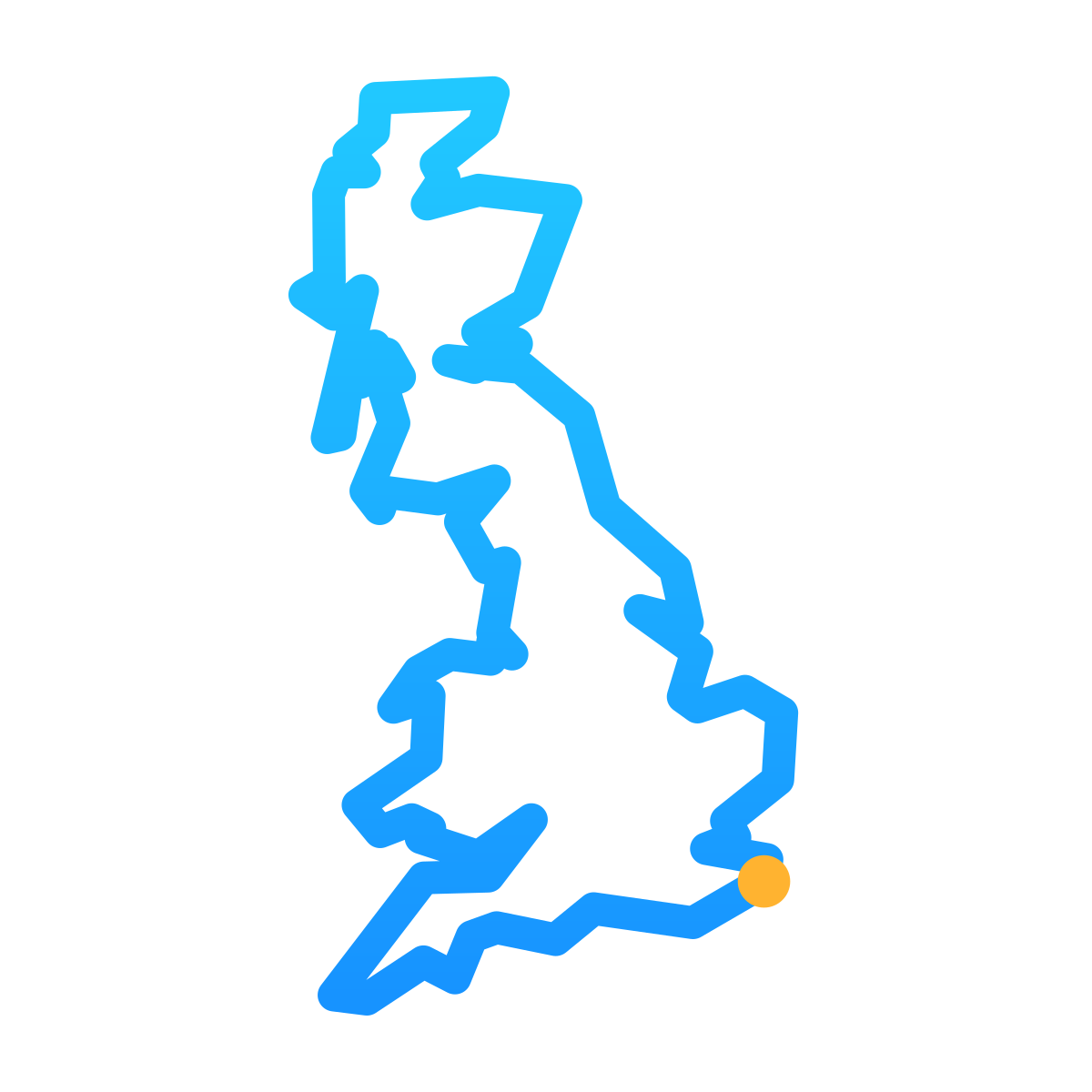
Your steps become kilometres, and your kilometres become a place on the map. Members can start from their own hometown; everyone else starts from Dover.
Free accounts can upload once a month. Members can upload once a day.
Open your app, then follow these directions. Your screenshot must show the current year and your total for the whole year so far.
Go to Browse → Activity → Steps, then choose the Y (year) view.
Tap your Steps card, open its history or trends, then choose the yearly view.
Menus can vary by phone and app version. Check that both the year and yearly total are readable before taking your screenshot.